Why USB-A Square Holes Exist: Mechanical Retention Design
Discover why legacy USB-A square holes exist, how leaf spring retention mechanisms work, and how USB hardware design evolved into modern USB-C ports.
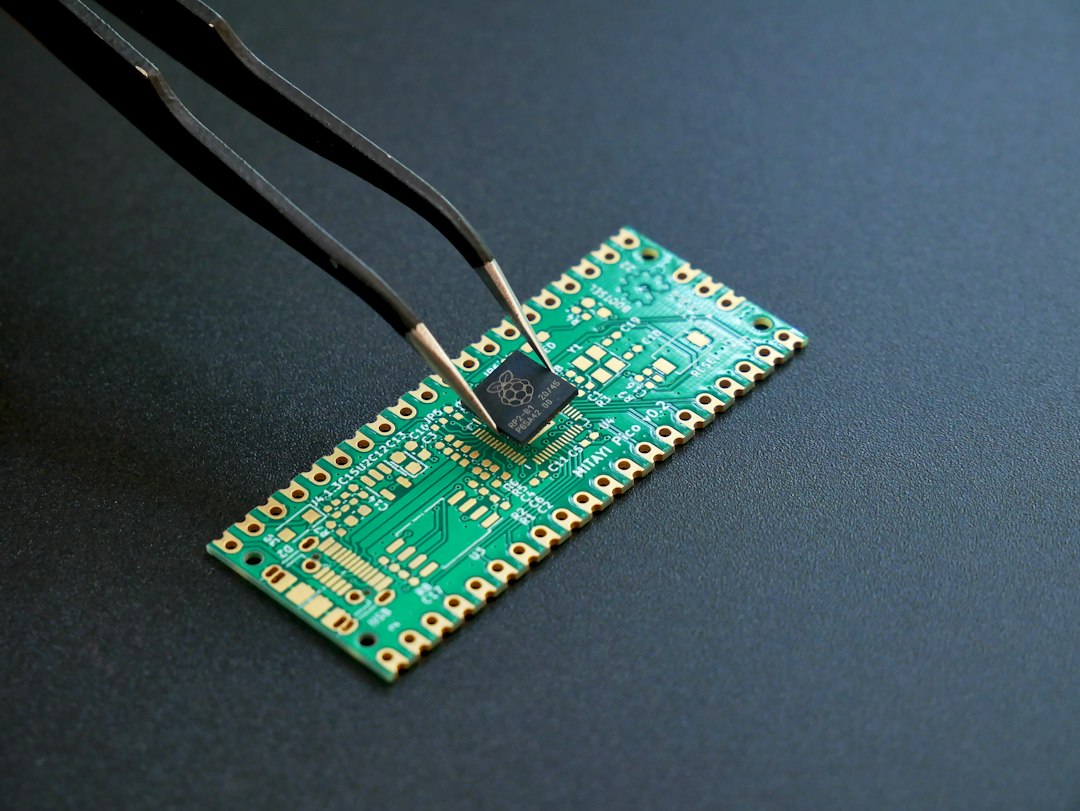
Legacy USB-A square holes serve as key components of a passive mechanical retention system designed to hold physical connectors securely inside host devices. Inside female USB Type-A receptacles, spring-loaded metal tabs—known in mechanical engineering as leaf springs or detents—snap directly into these rectangular cutouts when a cable is inserted. This structural mechanism provides tactile feedback to users while preventing inadvertent cable disconnection without requiring thumbscrews, latches, or active locking systems.
While contemporary consumers largely rely on reversible USB-C connections, the classic rectangular interface remains widely deployed across desktop workstations, peripheral hubs, and power accessories. Understanding the physical design choices behind earlier interconnect standards highlights how hardware engineers solved complex durability, cost, and user experience challenges during the rapid expansion of personal computing.
Mechanical Friction: How Detents Lock Connectors in Place
The dual openings visible on the metallic outer shield of male USB Type-A connectors are not decorative cutouts, nor are they designed for thermal dissipation. Instead, they function as part of a classic detent mechanism. A detent is a mechanical design pattern that arrests the motion of one component relative to another until a specific threshold of force is applied.
When a user pushes a male USB-A plug into a female socket, the metal outer shell slips into the port housing. Inside that housing, small metal leaf springs flex outward against the smooth metal casing of the plug until they encounter the two square cutouts. At that exact point of alignment, the springs snap into the holes, creating a subtle tactile click.
This simple friction lock provides several key functional benefits:
- Accidental Disconnection Protection: It supplies enough resistance to prevent light tugs, desk vibrations, or cable weight from unseating the data and power lines.
- Standardized Insertion and Extraction Force: Engineers calibrated the spring tension so cables can be removed intentionally without damaging internal circuit boards or requiring excessive force.
- Structural Grounding: The outer metal shield makes contact with the grounded shell of the female port before the internal pin contacts touch, discharging static electricity safely.
The Role of Sheet Metal Stamping
From a manufacturing perspective, punching two square holes into stamped sheet metal is exceptionally cheap. During high-volume production, thin steel or brass sheets are stamped, folded, and plated. Integrating retention holes during the initial stamping step added virtually zero incremental cost per unit while solving a critical physical usability problem.
The Evolutionary Context of Legacy Peripheral Interfaces
To appreciate why passive friction locking was such a significant breakthrough, one must look back at the peripheral landscape of the late 1990s. Prior to the introduction of Universal Serial Bus technology, connecting hardware to a personal computer was a cumbersome, non-standardized process.
Legacy interfaces relied heavily on manual physical fasteners:
- RS-232 Serial and DB25 Parallel Ports: Used heavy metal housings with threaded jack-screws that required users to turn thumbscrews by hand to secure printers or modems.
- PS/2 Keyboard and Mouse Ports: Relied on friction alone across thin pin arrays, making connectors prone to bent pins and loose fits over time.
- VGA Video Connectors: Depended on dual screw locks that added weight and bulk to equipment cases.
When a consortium of technology leaders—including Intel, Microsoft, IBM, Compaq, Digital Equipment Corporation, NEC, and Nortel—collaborated to establish a unified peripheral standard, simplifying physical installation was a primary goal. The new protocol needed to support true plug-and-play operation, meaning peripherals could be connected or disconnected without rebooting the system. Requiring users to turn thumbscrews for hot-swappable devices would have defeated the fluid user experience the consortium intended to build.
From USB-A to USB-C: Evolution of Cable Retention
As device profiles shrank from desktop towers to ultra-thin laptops and smartphones, the physical dimensions of USB Type-A became a bottleneck. Furthermore, the asymmetric orientation of USB-A—which famously required users to orient the plug correctly before insertion—led to user frustration and port wear.
Modern hardware design solved these usability issues through the development of USB Type-C, which fundamentally altered how cable retention works:
Internal Detents Replace Exterior Holes
Unlike USB-A plugs, which display exposed external cutouts, USB-C plugs feature a smooth, seamless outer metal barrel. Mechanical retention is moved entirely inside the port architecture. Female USB-C receptacles contain internal side-actuated spring clips that grip subtle indents positioned on the sides of the male connector plug assembly.
This structural shift allowed for a completely reversible geometry while maintaining tactile feedback and pull-out resistance. It also improved durability, enabling connectors to survive tens of thousands of insertion cycles without structural fatigue.
Higher Power and High-Density Signaling
Moving the retention mechanism inside the housing also freed up precious exterior real estate. Modern USB4 and Thunderbolt interfaces send high-voltage power delivery and multi-gigabit data streams across dense internal pin layouts. The smooth outer shell of modern plugs acts as an electromagnetic interference (EMI) shield rather than a simple friction sleeve.
Lessons in Industrial Design and Hardware Longevity
The survival of USB-A square holes over nearly three decades illustrates a core principle of hardware engineering: the most elegant solutions are often mechanical, non-electronic, and virtually cost-free to manufacture. By utilizing basic tension physics and stamped steel geometry, the architects of early USB standards created a durable interface that outlasted generations of computing platforms.
As tech infrastructure transitions fully toward compact, multi-protocol USB-C ports, the legacy Type-A connector remains a masterclass in functional industrial design—a simple pair of punched holes ensuring billions of peripheral devices stay reliably connected.
Reporting reference: this briefing is TechWire’s independent analysis. Primary reporting was published by Engadget — read the source article.
Related analysis
x86 Processor Evolution: How Legacy Trade-Offs Won
Explore the x86 processor evolution, from 1970s hardware choices to modern computing compatibility, explaining little-endianness and register design.

NSF Leadership Nomination Collapses Amid Science Policy Crisis
Senate pushback on the NSF leadership nomination highlights growing friction over federal science funding and academic research oversight.

TRMNL Frame: Full Color ePaper Display Canvas Debuts
An analysis of TRMNL Frame, a 31.5-inch full color ePaper display using Spectra 6 tech, custom color engines, and in-house manufacturing.