google pixel vs samsung galaxy
Google Pixel vs Samsung Galaxy: Ecosystem Switch Guide
Analyze the trade-offs of a Google Pixel vs Samsung Galaxy switch, from Tensor G6 performance to One UI features, camera processing, and AI tools.
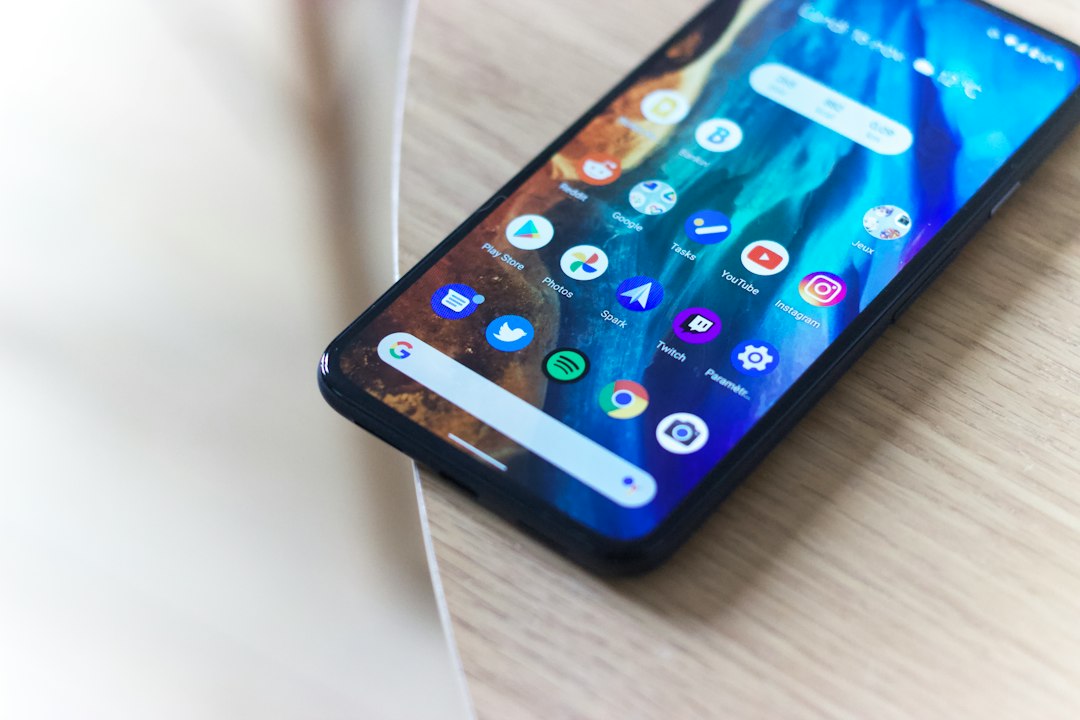
Transitioning between flagship Android ecosystems requires balancing raw hardware horsepower against software elegance. Evaluating a Google Pixel vs Samsung Galaxy device reveals fundamental differences in product philosophy: Samsung prioritizes high-performance silicon, deep UI customization, and hardware versatility, whereas Google emphasizes streamlined software, native artificial intelligence, and accelerated system updates.
For consumers weighing a switch, the choice rarely comes down to raw specification sheets alone. Instead, it hinges on how specific workflows—such as mobile gaming, desktop emulation, video creation, and daily task automation—align with each manufacturer's strategic vision for mobile computing.
Silicon Architectures: Tensor G6 vs. Snapdragon 8 Elite Gen 5
The technological divergence between Google and Samsung is most apparent within their respective system-on-chip (SoC) selections. Samsung continues to rely on Qualcomm's top-tier silicon, deploying the Snapdragon 8 Elite Gen 5 to power flagship models like the Galaxy S26 series. This chip emphasizes massive graphic throughput, exceptional peak CPU performance, and broad thermal headroom designed for sustained intensive workloads.
In contrast, Google’s custom Tensor G6 processor reflects an entirely different design philosophy. Rather than chasing peak benchmark scores, Google optimizes Tensor architecture around machine learning tasks, natural language processing, and energy efficiency during daily operation.
Performance Implications for Power Users
- Graphics and Gaming: The Snapdragon platform maintains a decisive advantage in heavy 3D rendering and high-framerate gaming. Users prioritizing complex mobile gaming will find Qualcomm-powered Galaxy devices less prone to thermal throttling.
- Video Encoding: Samsung’s hardware pipeline allows full on-device processing for demanding media formats, including native 8K recording at 30 frames per second and 4K at up to 120 frames per second.
- Cloud Offloading: Google compensates for lower peak local media throughput by leveraging server-side infrastructure. Features like Video Boost perform intensive image processing in the cloud rather than stressing local silicon, though this introduces latency and requires an active data connection.
Software Ecosystems: One UI Customization vs. Pixel Experience
Software execution represents another sharp divide. Samsung’s One UI operating system layer offers an expansive toolkit tailored for power users who want fine-grained control over their environment. Features such as Modes and Routines enable intricate conditional automation rules based on context, location, or peripheral connection.
Furthermore, Samsung maintains a substantial lead in productivity extensions through Samsung DeX. DeX transforms the mobile interface into a full desktop environment when tethered to an external monitor, providing multi-window desktop workflows that far surpass the default desktop capability inherent to baseline Android.
Google’s interface strategy focuses on minimalist design paired with contextual machine intelligence. Rather than requiring users to manually program conditional automation, Google leverages its Gemini models to proactively manage workflows. The Pixel experience centers around low-friction utilities—ranging from automated call screening to intelligent automated task handling like ride-hailing or reservation management.
Hardware Diversity and Specialized Form Factors
Hardware availability creates distinct barriers for users accustomed to specific input paradigms or specialized screen configurations. Samsung’s portfolio provides structural choices that Google does not currently match:
- Stylus Integration: Galaxy Ultra devices include integrated S Pen digitizers, offering ultra-low-latency handwriting input, precise document annotation, and remote camera control.
- Clamshell Foldables: The Galaxy Z Flip series targets compact form-factor preferences with mature cover-screen software interactions.
- Passport Foldable Ergonomics: While Google offers foldable hardware, Samsung’s Galaxy Z Fold series features refined display aspect ratios and multi-window app pairings tailored for side-by-side multitasking.
Switching to a Google Pixel requires relinquishing dedicated digitizer capabilities and accepting a more standardized glass-slab or conventional wide-aspect foldable layout.
Computational Photography and Image Processing Models
The camera debate between these two platforms has evolved beyond simple megapixel counts. It now centers on distinct computational photographic philosophies.
Samsung emphasizes hardware capability, utilizing high-resolution sensors and high-speed image signal processors (ISPs) to capture pristine raw video data natively. This allows real-time optical zooming, high-frame-rate capture, and extensive manual controls within the native camera application.
Google relies primarily on machine learning models and semantic segmentation. Tools like Magic Capture analyze multiple frames simultaneously to extract ideal facial expressions, adjust dynamic range, and eliminate photographic defects algorithmically. While Samsung focuses on granular control over optical capture, Google concentrates on leveraging artificial intelligence to deliver consistent point-and-shoot output without user intervention.
Strategic Decision Matrix: Who Should Upgrade or Switch?
Determining whether to migrate between these platforms depends heavily on the age of your current device and your specific workflow demands.
- Stay with Samsung if: You rely on S Pen hardware, utilize external display workflows via DeX, frequently play graphically demanding mobile games, or record high-framerate video content locally.
- Switch to Google Pixel if: You are upgrading from an older generation device, prefer lightweight software without overlapping utility applications, prioritize immediate Android security patches, and value proactive AI assistance over deep manual system customization.
What to Watch: The Future of Android Ecosystems
As mobile hardware performance reaches consumer saturation, the competitive battlefield is shifting entirely toward local artificial intelligence execution and platform longevity. Key developments to monitor over the coming hardware cycles include:
- On-Device LLM Integration: Watch how future iterations of Google Tensor silicon bridge the raw performance gap while expanding offline Gemini capability.
- Native Android Desktop Maturation: Observe whether Google's native desktop environment eventually reaches parity with Samsung DeX, potentially neutralizing one of Samsung's chief enterprise advantages.
- Cross-Platform AI Automation: Track how Samsung integrates third-party AI models within One UI to counter Google’s deeply integrated system-level AI services.
Reporting reference: this briefing is TechWire’s independent analysis. Primary reporting was published by Engadget — read the source article.
Related analysis
x86 Processor Evolution: How Legacy Trade-Offs Won
Explore the x86 processor evolution, from 1970s hardware choices to modern computing compatibility, explaining little-endianness and register design.

NSF Leadership Nomination Collapses Amid Science Policy Crisis
Senate pushback on the NSF leadership nomination highlights growing friction over federal science funding and academic research oversight.
TRMNL Frame: Full Color ePaper Display Canvas Debuts
An analysis of TRMNL Frame, a 31.5-inch full color ePaper display using Spectra 6 tech, custom color engines, and in-house manufacturing.